{"searchBar":{"inputPlaceholder":"Search by keyword or ask a question","searchBtn":"Search","error":"Please enter a keyword to search"}}
{}
{"support":{"yesButton":"Yes","noButton":"No","feedback":{"title":"What can we do to improve?"},"submitButton":"Submit","successMessage":"Thank you for your feedback","title":"Did this answer your question?","feedbackPercentLabel":"of people found this helpful","captcha":{"error":"Please check the box"}}}
Search FAQs
Ladder Monitor Screen
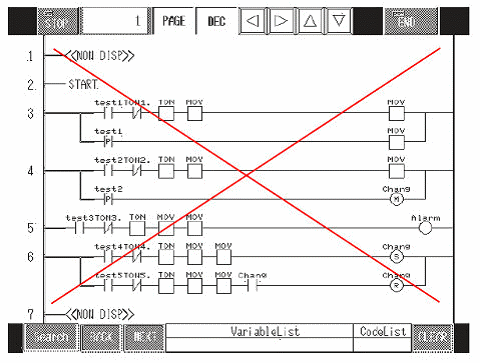
In GP-PRO/PB3 C-Package, it is necessary to register screens for the ladder program monitoring. On the other hand, a new function called Logic Monitor has been added in GP-Pro EX, with which you don't need to register screens. Screens registered as GLC Ladder Monitor are not converted and are deleted.
NOTE
・
If you specify a screen number in the settings of screen creation parts or the logic program directly, the screen will not switch to the ladder monitor. Specify "#L_LogicMonitor" to a system variable so that the screen can switch to the Logic Monitor screen.
→ Click here for information on how to start Logic Monitor