{"searchBar":{"inputPlaceholder":"Search by keyword or ask a question","searchBtn":"Search","error":"Please enter a keyword to search"}}
{}
{"support":{"yesButton":"Yes","noButton":"No","feedback":{"title":"What can we do to improve?"},"submitButton":"Submit","successMessage":"Thank you for your feedback","title":"Did this answer your question?","feedbackPercentLabel":"of people found this helpful","captcha":{"error":"Please check the box"}}}
Search FAQs

What can I do using Web Server?

Features that enable to display and operate with the standard HTML template are as follows.
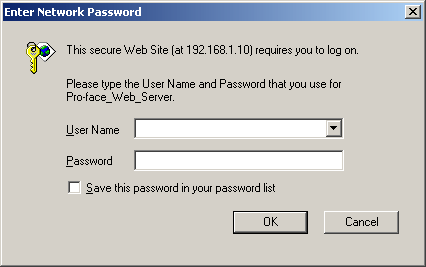
Logging on Website
Authenticates the user based on a user name and password. Making the security settings on GP-Pro EX enables to authenticate.
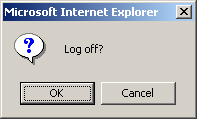
Logging off Website
Stops using the account and disconnects Web Server.
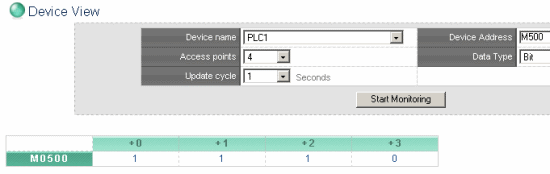
Device View
Enables you to monitor or write device addresses in the device/PLC.
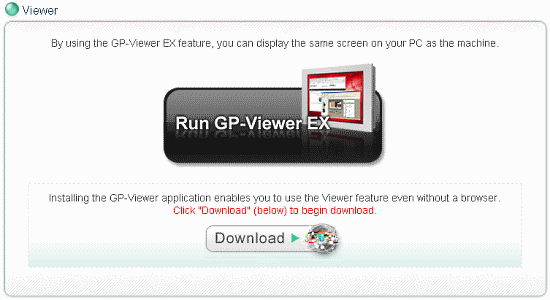
Starting GP-Viewer EX (only if GP-Viewer EX is installed on a computer)
Displays GP screens that Web Server refers to after starting GP-Viewer EX.
NOTE
To use GP-Viewer EX, a separate license is required.
About GP-Viewer EX License
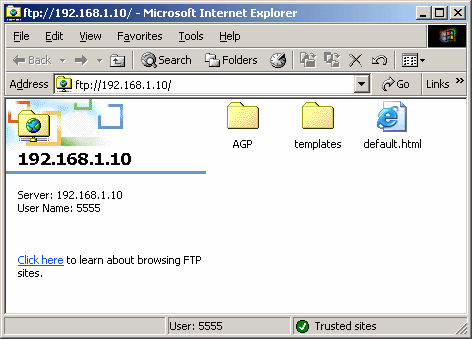
FTP Server Function
Allows you to get a list of files of CF card or USB storage that is connected to the GP by Web Server, get files, delete files, change file attributes, and write files.
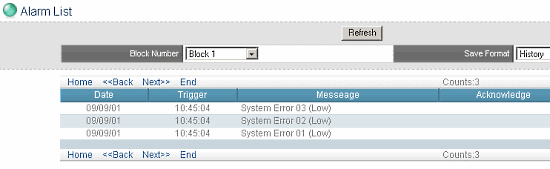
Alarm Display
Displays the alarm status on the GP in Internet Explorer.
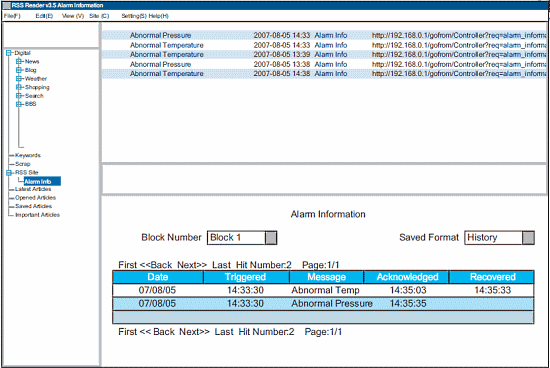
Alarm Display (RSS Data Display)
Displays alarm informations on the GP as Internet RSS data.