

Users
Change the authentication password used to log in to the system settings.
If you are logged in to the System Settings with an administrator account, you can add/delete other user accounts.
-
To change the administrator password, refer to Change Password.
-
You can add up to 50 user accounts. To add a new user account, refer to Add User Account.
-
You can modify the password requirements. For details, refer to Password Policy.
-
If you forget your administrator password, you can reset it by running device restore. For details, refer to Initialization (Device Restore).
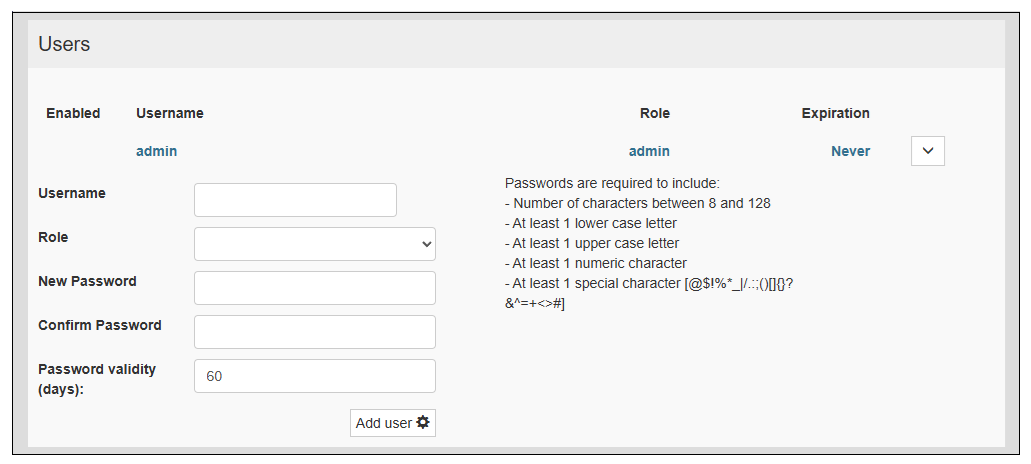
|
Item |
Description |
|---|---|
| Username |
Set up to 32 characters for the user account name, which can include alphabetic characters, numbers, and the underscore (_) and hyphen (-). NOTE: The username must begin with a lowercase character.
|
| Role |
Select the user account's role in the Roles row. |
| New Password/Confirm Password |
Enter the password for the user account. |
| Password validity (days) |
Set the password expiration period to be between 8 and 720 days. |