

Authentication
Manage permissions for accessing the System Settings.
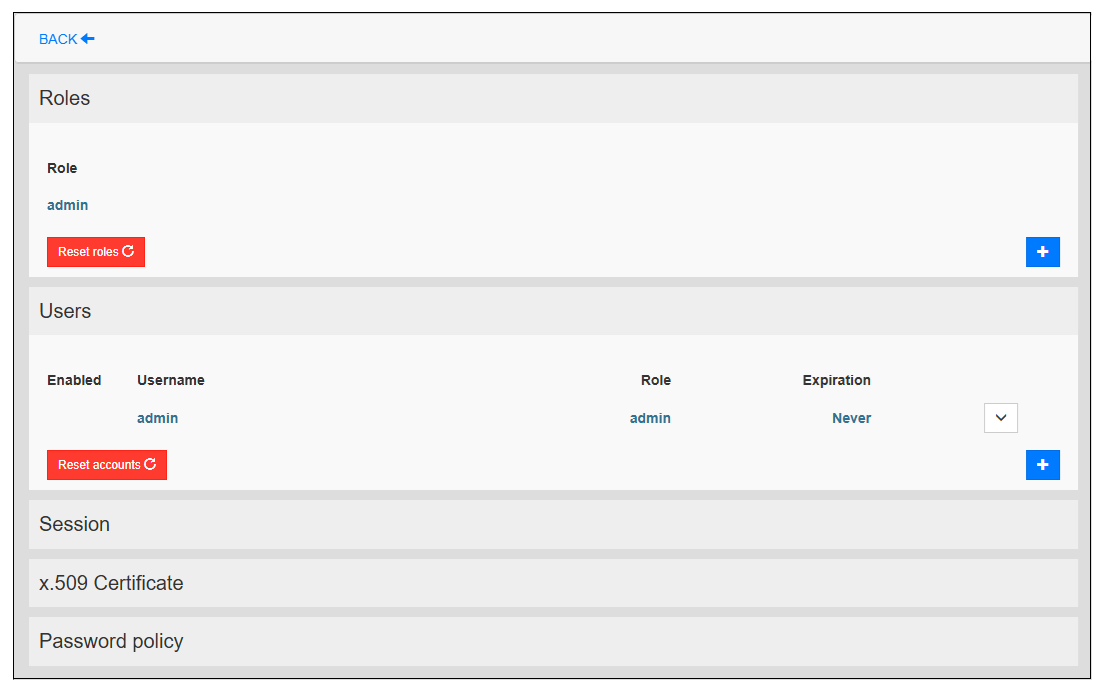
Change the password for logging in to system settings, add/delete user accounts, and set roles and permissions.
|
Item |
Description |
|---|---|
| Roles |
Add roles other than the Administrator role and set the access privileges for the features listed in the System Settings in accordance with their roles. NOTE:
|
| Users |
Change authentication passwords for user accounts. Also add/delete user accounts or change their roles. For details, refer to Users. |
| Session |
Set the inactivity time, session time, and the number of failed login attempts allowed. For details, refer to Session. |
| x.509 Certificate |
Personalize your product's x.509 certificate. For details, refer to x.509 Certificate. |
| Password policy |
Customize password requirements. For details, refer to Password Policy. |