

Services
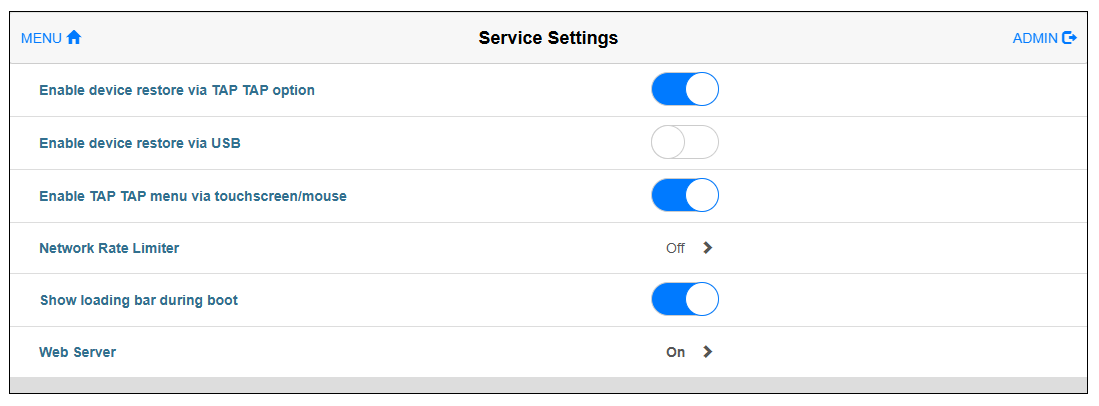
You can check the usage status of the service functions provided by this product.
Click the service name to view associated parameters.
|
Item |
Description |
Default |
|---|---|---|
| Enable device restore via TAP TAP option*1 |
When enabled, you can restore the device by consecutively tapping the screen two or more times during product startup. |
On |
| Enable device restore via USB*1 |
When enabled, you can restore the device using a USB storage device. |
Off |
| Enable TAP TAP menu via touchscreen/mouse |
When enabled, you can select commands from the Tap-Tap menu by touch or mouse. |
On |
| Network Rate Limiter |
When enabled, you can create rules to limit the number of packets that are transmitted through the network interface. For details, refer to Network Rate Limiter. |
Off |
| Show loading bar during boot |
Enable/Disable the display of the progress bar while rebooting. |
On |
| Web Server |
Displays the parameters for configuring the web server. For details, refer to Web Server. |
On |
*1 We recommend enabling at least one device restore service. Disabling both better secures the device, but it will prevent you from recovering the administrator password if it is forgotten.