-
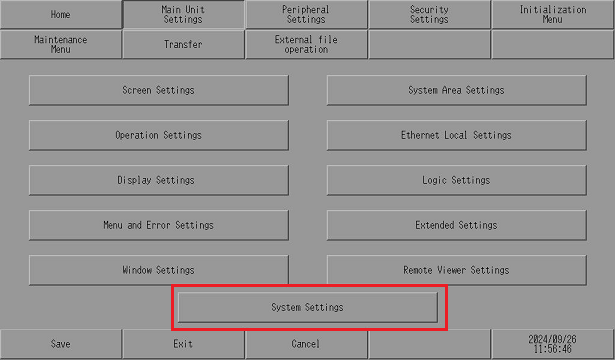
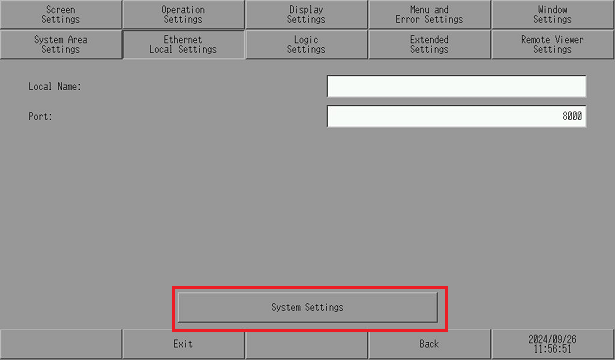
When using a display unit with System Settings, also confirm the following information.
 1.1.3 For Those Using a Display Unit Supporting GP-Pro EX Ver.5.00 and Later
 -
For details about System Settings functions and operation, refer to the manual for the display unit.