Displaying/Changing the Date, Day, or Time
Displays and changes the display unit's date, day, or time.
Example Operation
Setting Workflow
Set up Parts
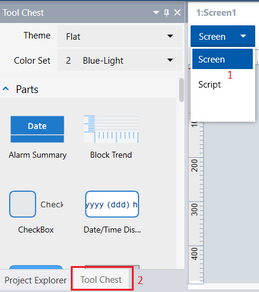
Project Explorer : [Screen Design] ➞ [Screens] ➞ [Screen1]
Drag and drop the following objects from the [Tool Chest] to the screen.
Date/Time Display object (Name: DateTimeDisplay1) properties:
| Tab | Sub Tab | Property | Value |
| [Function] | [Basic] | [Current Value] |  [Target]
[Source Property]: [DateAndTime.DateTime] [Target]
[Source Property]: [DateAndTime.DateTime] |
| [Format] | [mm/dd/yyyy (ddd) hh:nn:ss] |