
Boot
|
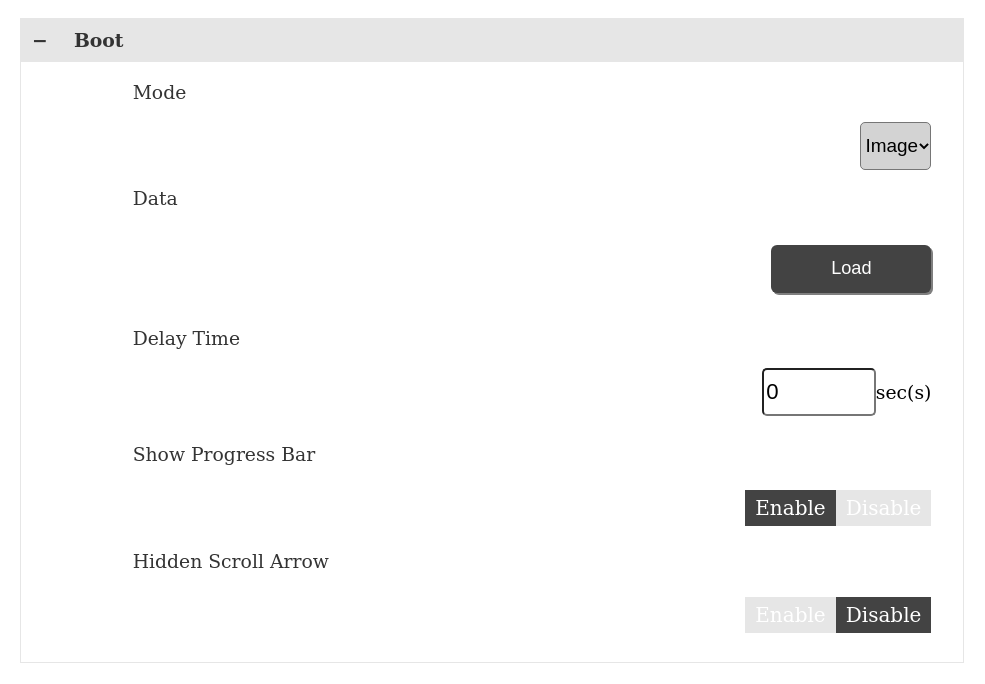
Mode |
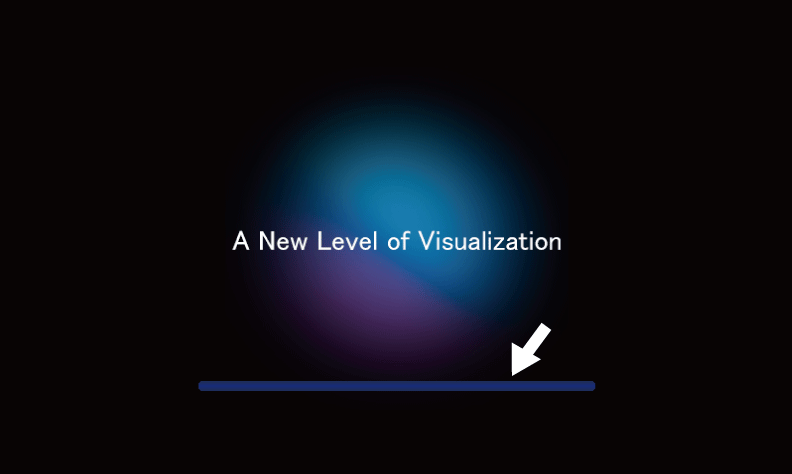
Set up the screen status at startup. To define an image, select [Image], for no image display select [None]. The default setting is [Image]. |
|
Data |
When Mode is set to [Image], touch Load to select the image to display from USB storage. The image must meet the following criteria. File size: Maximum 12 MB File format: png Image resolution: Maximum 2048 x 2048. Create the image with a resolution that matches the display resolution. NOTE: Requires saving the image with the file name “BootImg.png”
to the root folder in USB storage.
|
|
Delay Time |
Set the delay time from after the product starts until the screen set in the Server > Start Page is displayed. You can enter from 0 to 300 seconds*1. By setting the Delay Time, you can show the startup status until the Web server is running. *1 For products with a system version before V1.2.0, set from 0 to 60 seconds. |
|
Show Progress Bar |
Enable or disable the progress bar displayed during screen startup. The default setting is [Enable].
|
|
Hidden Scroll Arrow |
Hides the arrow buttons for scrolling the screen up, down, left, and right. The default setting is [Enable]. |