

Network
Configure network settings.
|
Item |
Description |
|---|---|
| General Settings |
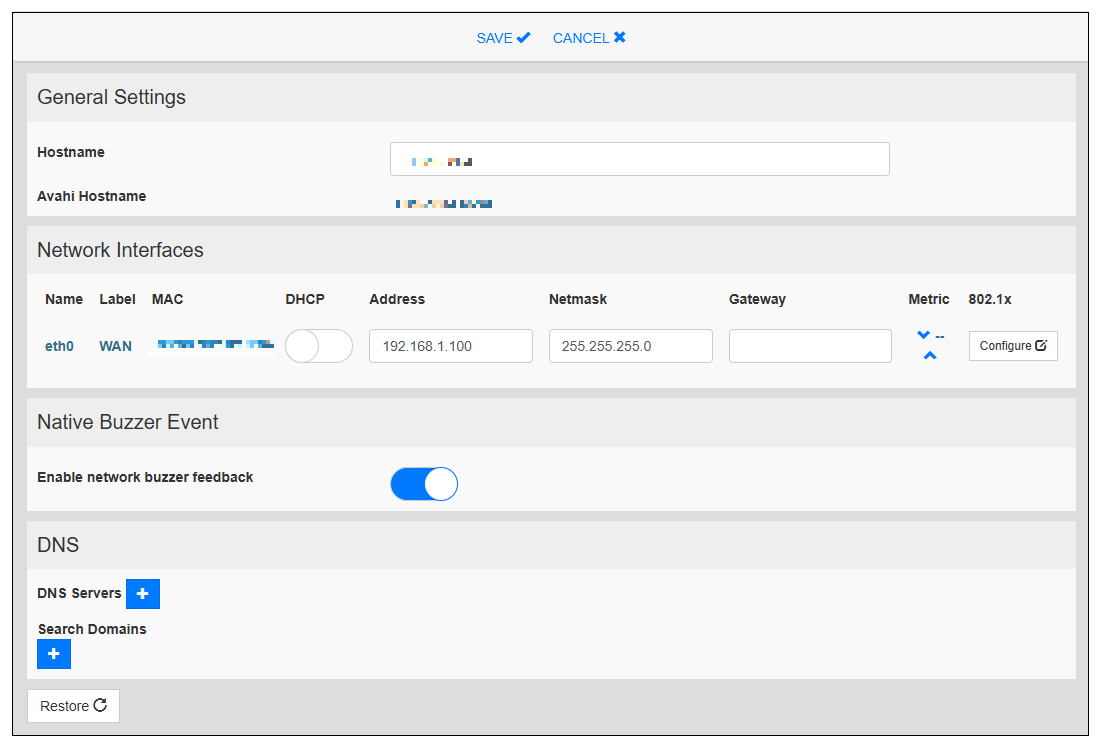
Hostname Set the device name. |
| Network Interfaces |
Configure network properties. DHCP Set whether to use the DHCP client function. If enabled, the IP address assigned by the DHCP server will be used. Default: Disable Address Set the IP address. Default: 192.168.1.100 Netmask Set the subnet mask. Default: 255.255.255.0 Gateway Set the gateway. 801.2x This is the IEEE802.1X authentication setting. This model does not support wireless LAN. Default: Disable |
| Native Buzzer Event |
Enable to sound a buzzer when the product is connected to the network. Default: Enable |
| DNS |
DNS Servers Generally provided from the DHCP servers. Search Domains Optional domains that will be used in concatenation with the provided URLs. |