

Management
You can check information such as the operating system, system settings, user data, and application versions and dates on your product. You can also update system components.
| NOTICE |
|---|
|
LOSS OF DATA, EQUIPMENT DAMAGE
Use each function of system settings appropriately.
Failure to follow these instructions can result in equipment damage.
|
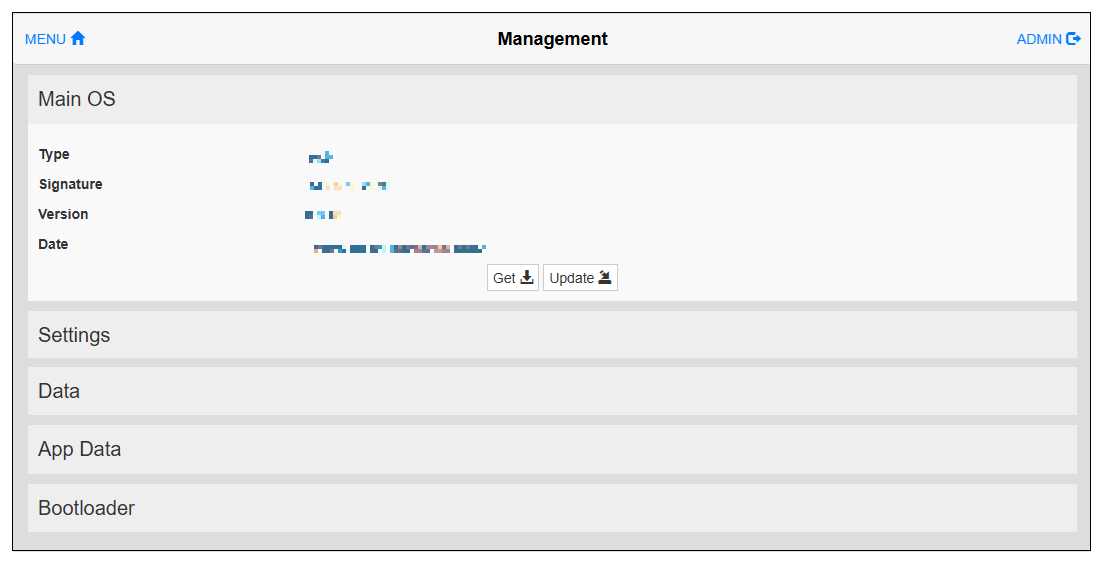
Use the "Get" command to download data from this product. Use the "Update" command to upload data to this product. Selecting the "Clear" command will delete data on the product.
|
Item |
Description |
|---|---|
| Main OS |
This is the operating system that is normally used. |
| Settings |
This is the area where configuration data for the system settings is stored. |
| Data |
This is the area used by the application. |
| App Data |
This is the area used by the application for user data. |
| Bootloader |
This is the area where programs for starting the operating system are stored. |