From the Setting [Personalization], select [Fonts]. The following screen is displayed. Expand [Related settings] and click on [Adjust ClearType text].
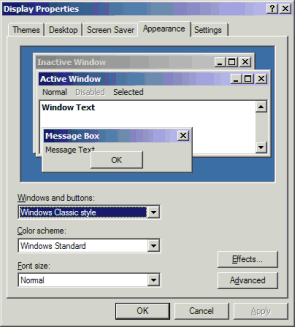
Check [Turn on Clear Type] to use ClearType.
Cause
The appearance of fonts depends on the environment settings of the PC that GP-Pro EX is installed.
Solution
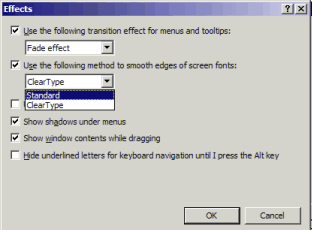
Confirm the following settings.
From the Setting [Personalization], select [Fonts]. The following screen is displayed. Expand [Related settings] and click on [Adjust ClearType text].
Check [Turn on Clear Type] to use ClearType.