|
Switch |
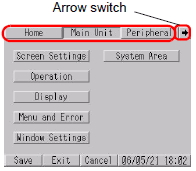
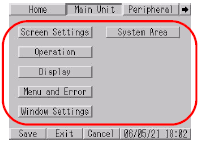
When the screen size is less than 640x480 pixels |
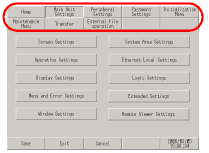
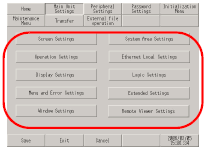
When the screen size is 640x480 pixels |
|---|---|---|
|
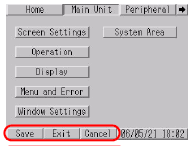
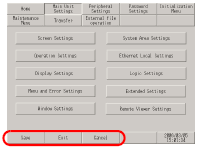
Item changeover switch Changes the displayed setting items. The arrow switch is displayed on the right end of a set of switches when all the switches cannot display at once. The remaining switches are displayed by touching the arrow switch. |
|
|
|
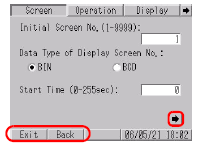
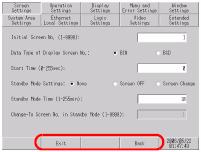
Setting Items required to set up the display unit. The page changeover switch is displayed on the lower right end of the setting items when all items cannot display at once. The remaining items are displayed by touching the page changeover switch. |
|
|
|
Control switch These buttons execute [Save], [Cancel], [Exit], and [Back] in offline mode.
Saves changes to the setup.
Changes to the setup are returned to the state when it was last saved.
Exits offline mode.
Returns to the previous hierarchical screen. |
|
|