-
For the PDF file list, refer to the following.
 M.17.8.2 Importing/Exporting PDF File List
-
For details about the setting screen, refer to the setting guide.
M.17.8.4 External File Operation - Load PDF File List
To add, change, or delete a PDF file displayed in the PDF Viewer, you must load a changed PDF file list (PDFFileList.csv) in offline mode in addition to updating the PDFs stored in external storage.
For the PDF file list, refer to the following.
M.17.8.2 Importing/Exporting PDF File List
For details about the setting screen, refer to the setting guide.
M.17.8.4 External File Operation - Load PDF File List
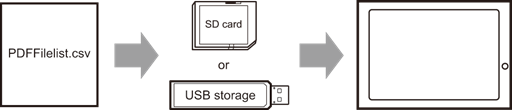
Store the PDF file list (PDFFileList.csv) in the PDF folder directly under the external storage.
Enter offline mode and touch [External file operation] in the item changeover buttons.
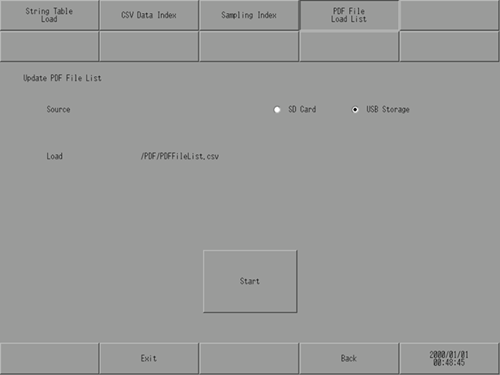
[External file operation] screen opens. Touch [Load PDF File List].
Select the external storage where the backup file is saved, and touch [Start].
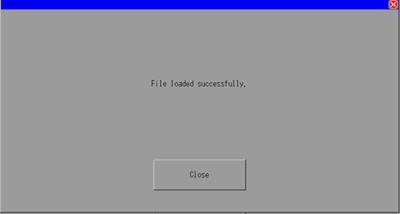
When the PDF file list has finished loading, the following dialog box appears.
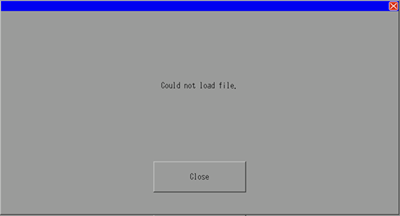
The following dialog box appears if the PDF file list could not be loaded because the file was not found or the file format was invalid.