For the HTML file list, refer to the following.
 28.6 Importing/Exporting HTML File List
Load the HTML file list (HTMLFileList.csv) in offline mode.
For the HTML file list, refer to the following.
28.6 Importing/Exporting HTML File List
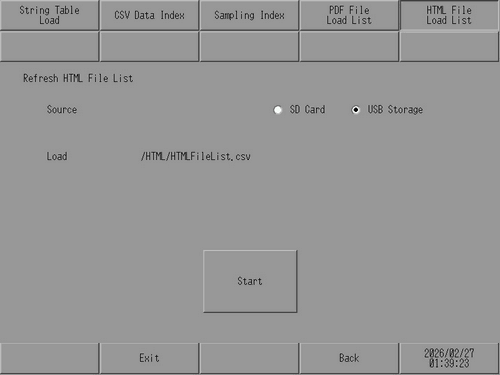
Load
Select the storage on which the HTML file list is saved from [SD Card] or [USB Storage].
READ
The file path of the saved HTML file list is displayed.
The HTML file list must be saved in the "HTML" folder directly under the external storage with the fixed name "HTMLFileList.csv".
Start
Starts loading the HTML file list.
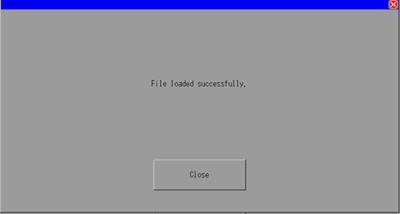
When the file list has finished loading, the following dialog box appears.
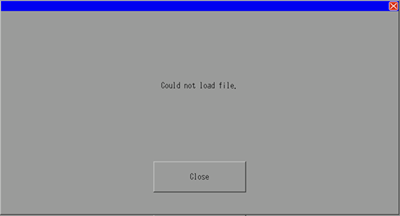
The following dialog box appears if the HTML file list could not be loaded because the file was not found or the file format was invalid.