This section describes operations necessary for various settings.
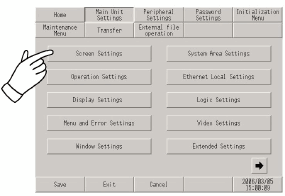
Selecting a menu
Touch the menu item.
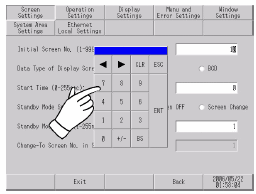
Entering numbers
After selecting a menu or touching an input field, you can enter numeric values.
Use the screen's numeric touch keypad to enter values.
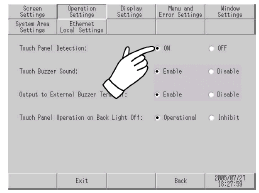
Selecting setup conditions
After selecting a menu item and entering that area, touch the option you would like to setup.
After completing all settings
Touch [Save] at the bottom of the screen.
To cancel changes to the settings, touch [Cancel].
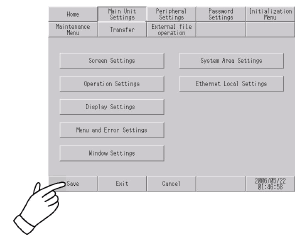

Touch [Save] to write the setup conditions to internal memory.
Touching [Save] begins writing to internal memory, which may increase the time it takes to return to the previous menu. Do not touch the screen until it returns to the menu screen.
Do not turn off the display unit while changes to the setup are being saved. It may damage the internal memory content.
Touch [Cancel] to return changes to setup items to the state when it was last saved.
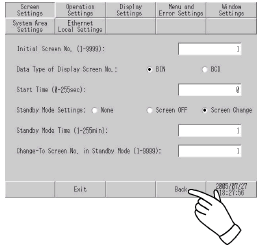
Return to the previous level
Touch [Back].